

Process Detail View
Fully understand every process.
Who is involved? Which systems are running? How long does it really take? The Process Detail View makes every process in your organization fully visible — at a glance.
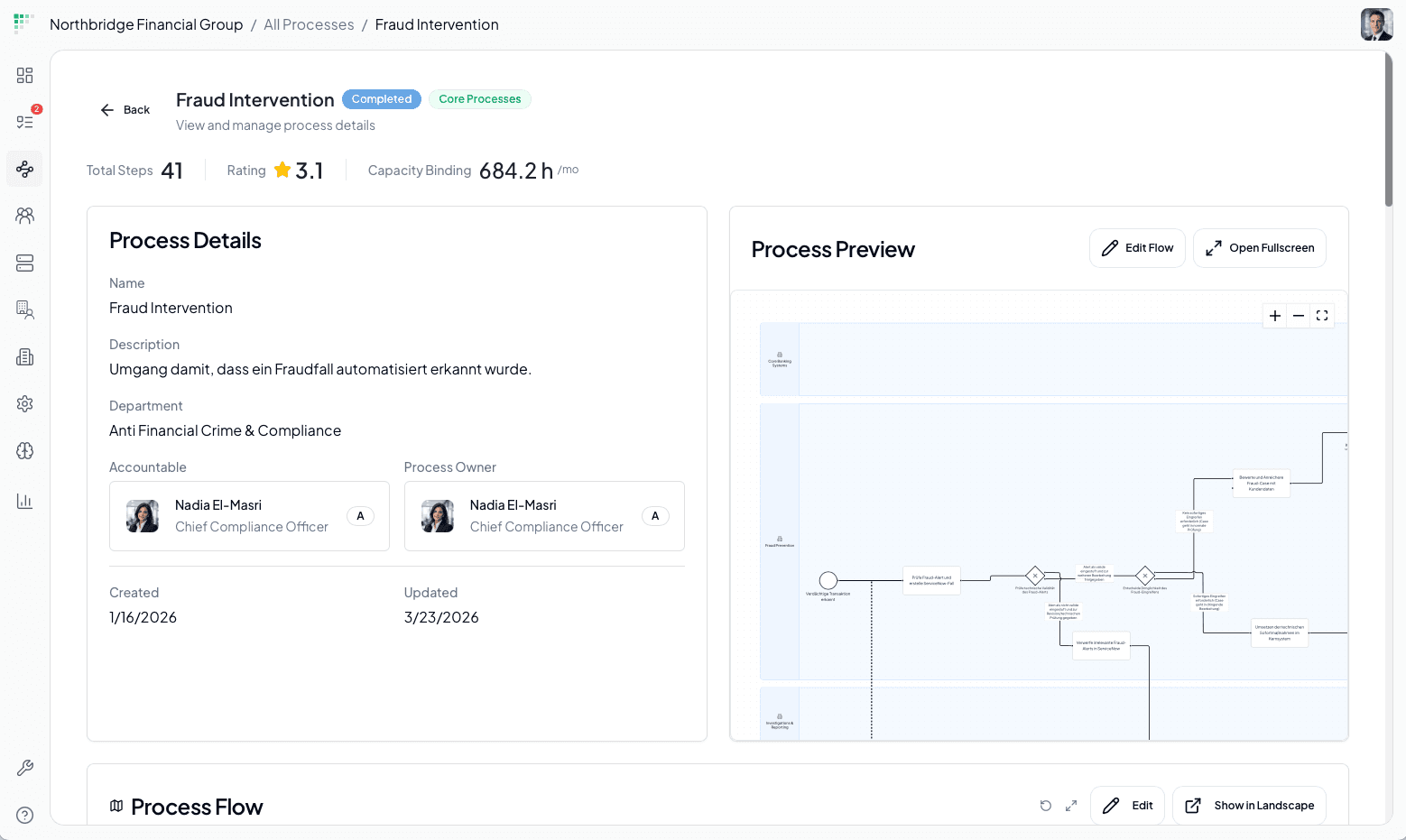
Process overview
Status. Steps. Capacity.
Immediately visible.
No follow-up questions, no manual recalculation. The Process Detail View shows at a glance how far a process has progressed, how it is evaluated – and how much capacity it ties up.
Total steps & average rating
How many steps does the process have? How do employees rate it on average? Weaknesses become immediately visible.
Capacity commitment in hours
How much time does this process really consume each month? Measurable for the first time – as a basis for prioritization and optimization.
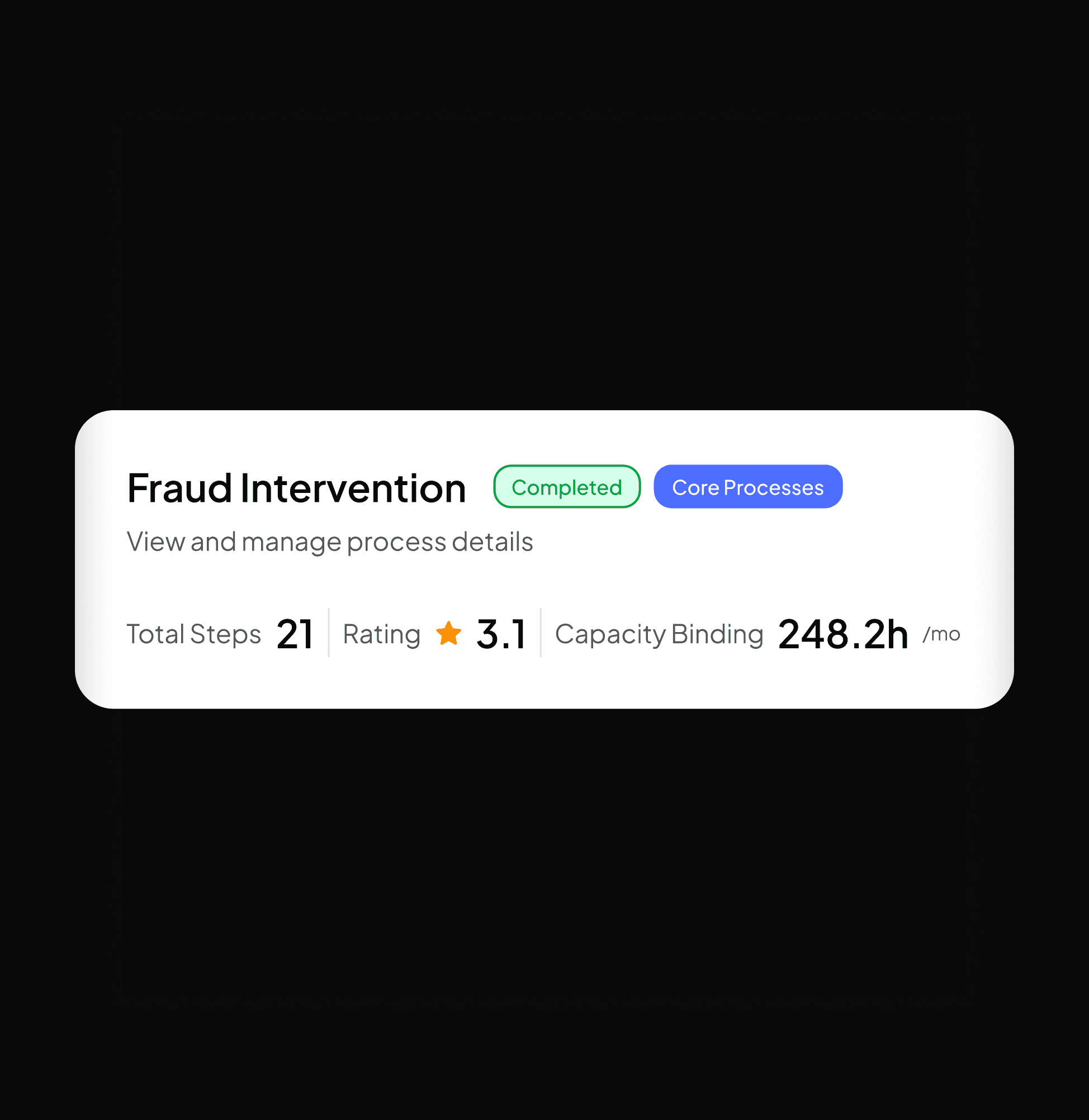
Process preview
Your process. As Flow.
No theoretical target concept. The process preview shows how your process really runs – automatically generated from real employee inputs.
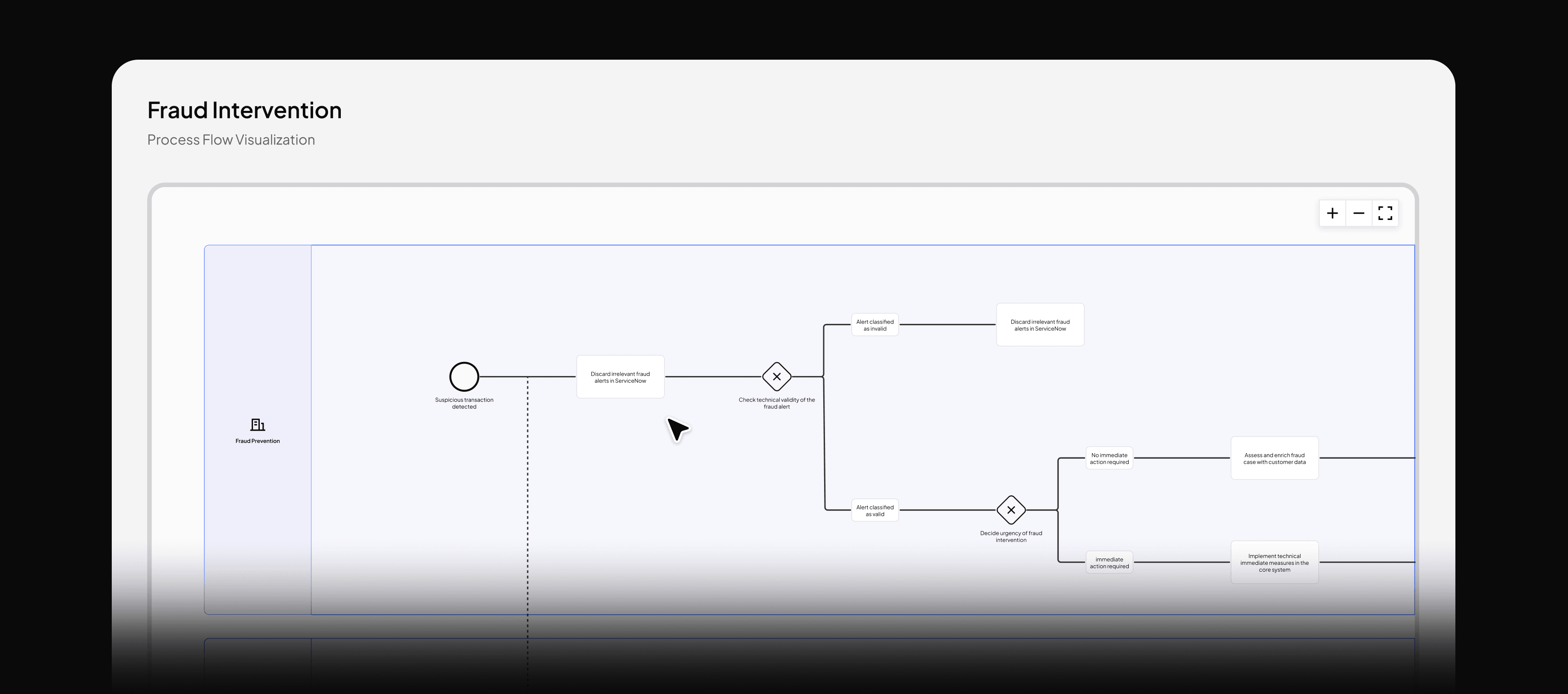
Automatically generated. No modeling effort.
The process flow is created directly from your employees’ inputs—without anyone having to model, draw, or structure anything.
Editable. Always up to date.
Processes change — and the flow does too. Adjust it directly, open it in full screen, and share it with anyone who needs it.
Audit-ready. At the touch of a button.
The process flow is not just visual – it is traceable, version-controlled, and directly usable for audits, compliance checks, and system implementations.
Process resources
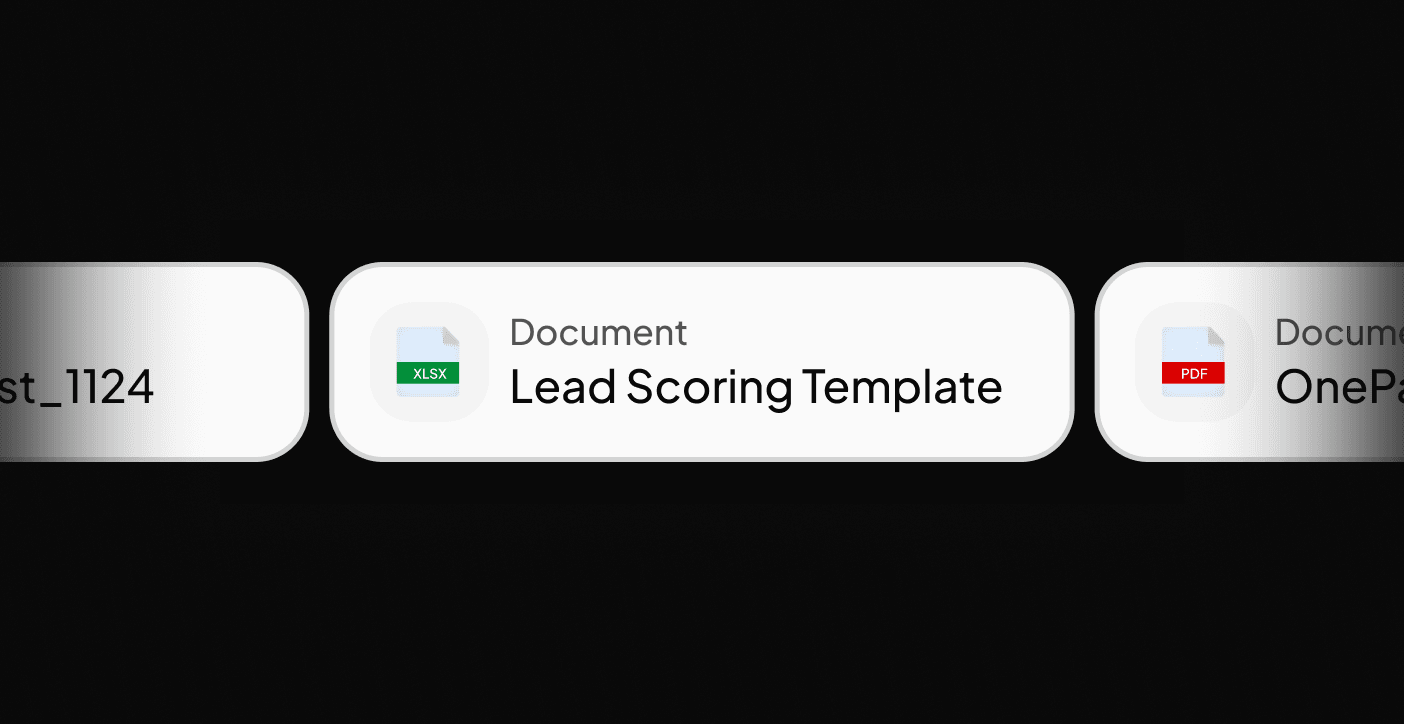
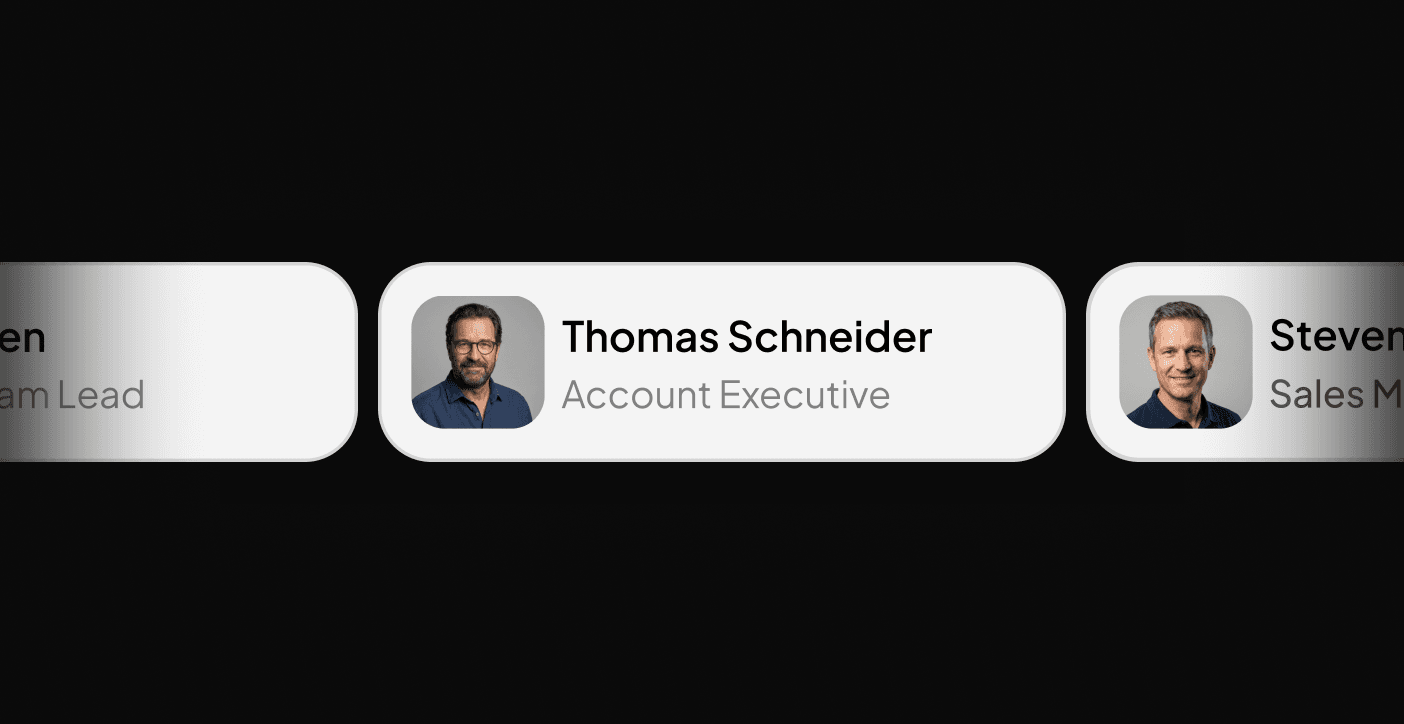
Everything a process needs – centrally recorded, instantly findable. No more searching, no more guesswork.
Process steps
Every single step, viewable.
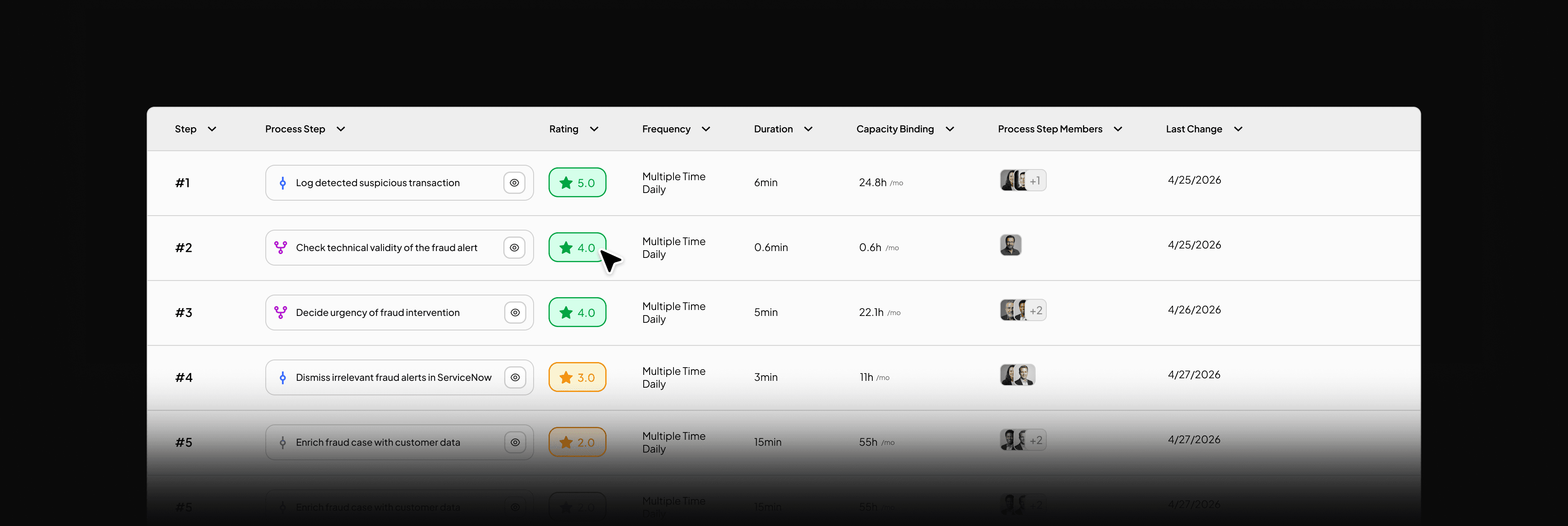
The Process Detail View does not show your process as a whole — but broken down to the level where work really happens.
Rating & Quality at Step Level
Every step has its own rating—directly from the employees who perform it every day. Weak points become visible before they escalate.
Frequency, duration & capacity commitment
How often, how long, how much effort — per step, projected over the month. Measurable for the first time, with no effort.
Full context per step
Who carries it out? Which system is used? What is the output? Every step fully documented — as a single source of truth.
FAQ
Questions?
We are here to help you.
Your question is not listed?
No problem. Write to us directly & we will get back to you as soon as possible and find an answer together.
Contact Us