Monitoring Dashboard
Stay on top of things,
while your team documents.
Process managers can see in real time how far the process documentation has progressed, where gaps still remain — and can intervene directly without waiting for status updates.
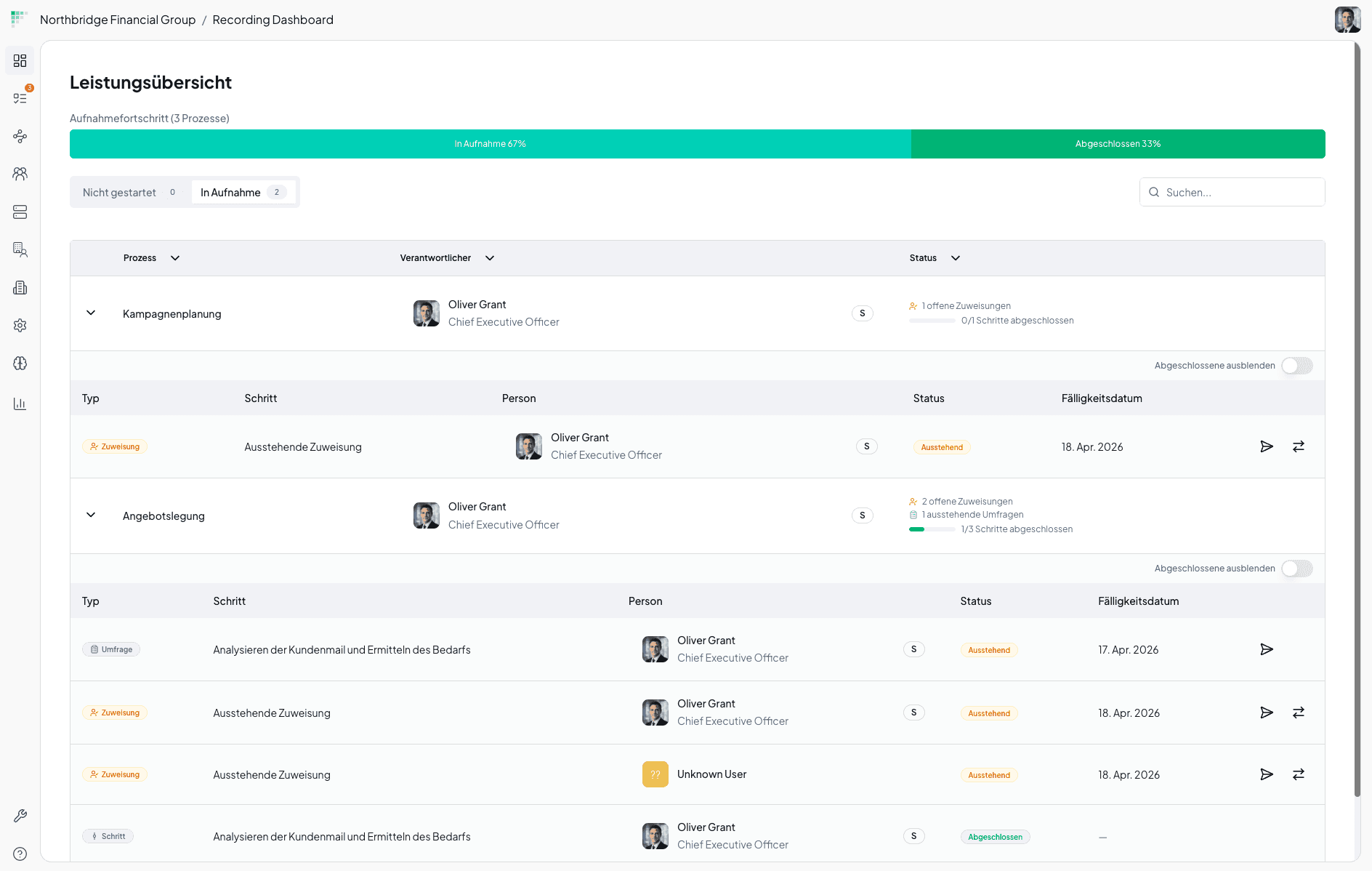
Performance overview
What the dashboard provides at a glance
No manual follow-up. The progress of all ongoing process documentation is visible live — for every process, immediately actionable.
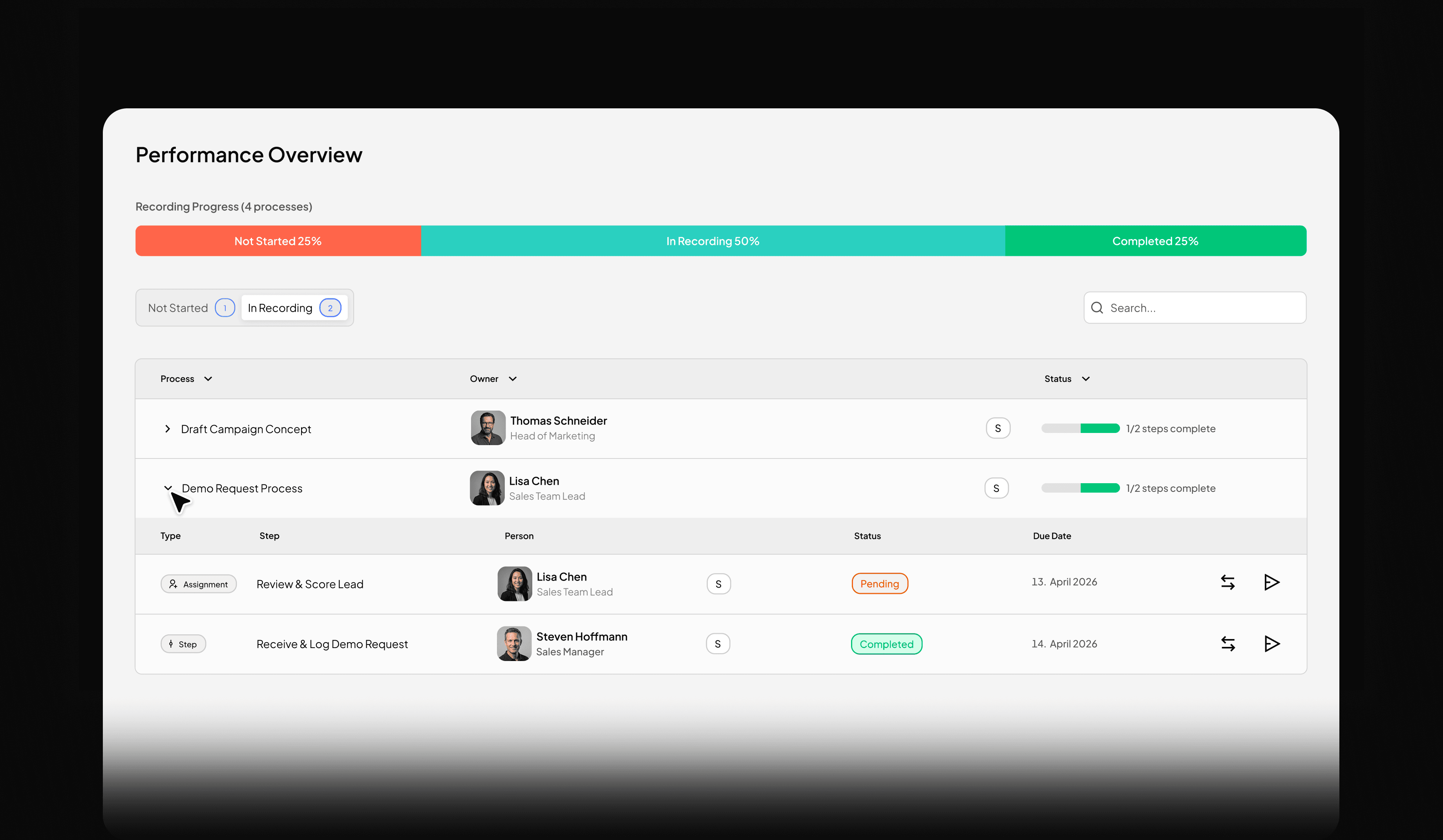
Documentation progress at a glance
How far along is which process documentation? The current status is immediately visible — without having to ask the team.
Status by process
Whether not yet started, in progress, or completed — every process has a clear, filterable status.
Open assignments & pending steps
Where is the documentation getting stuck? The dashboard shows it before it becomes a bottleneck.
Actively control
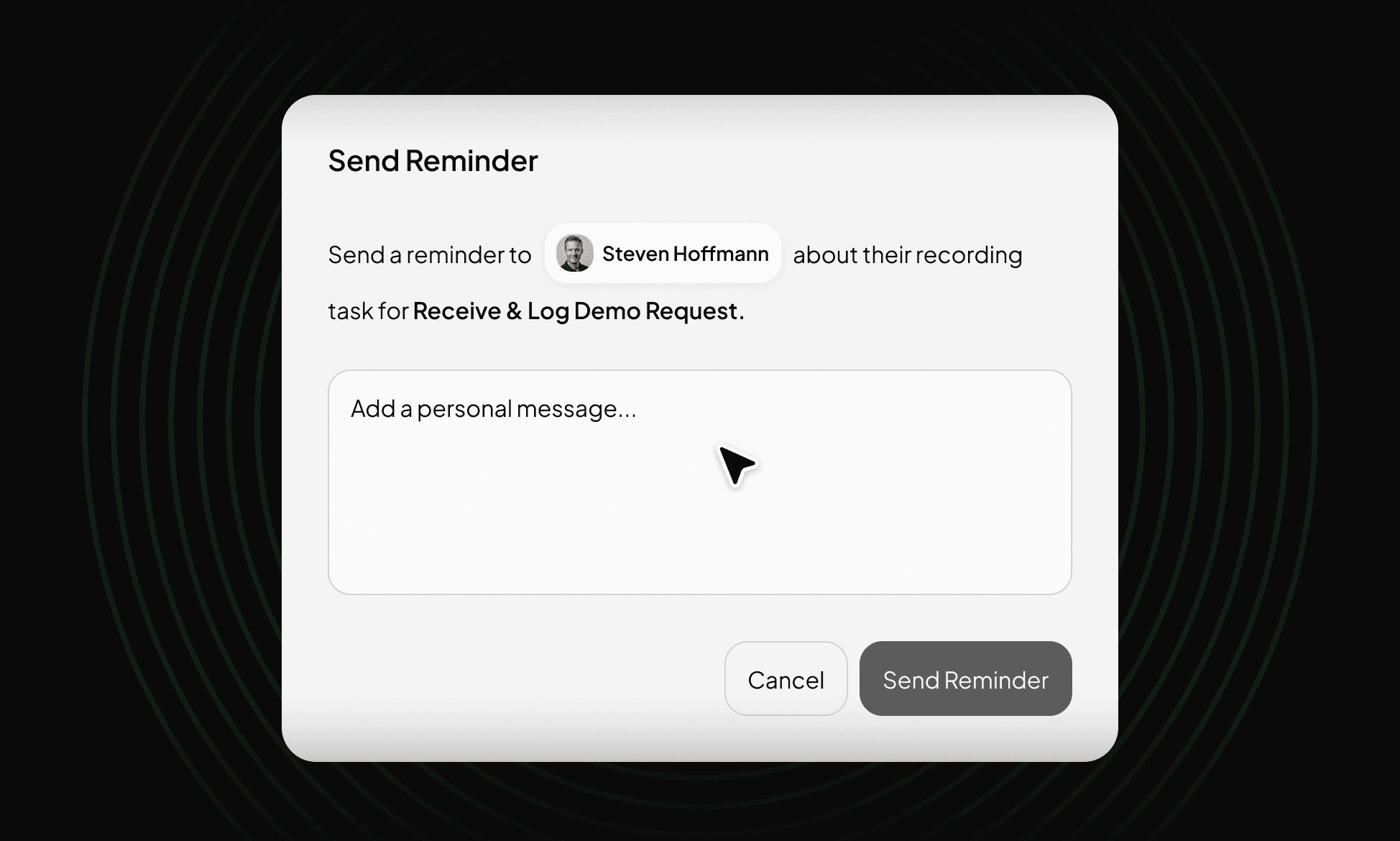
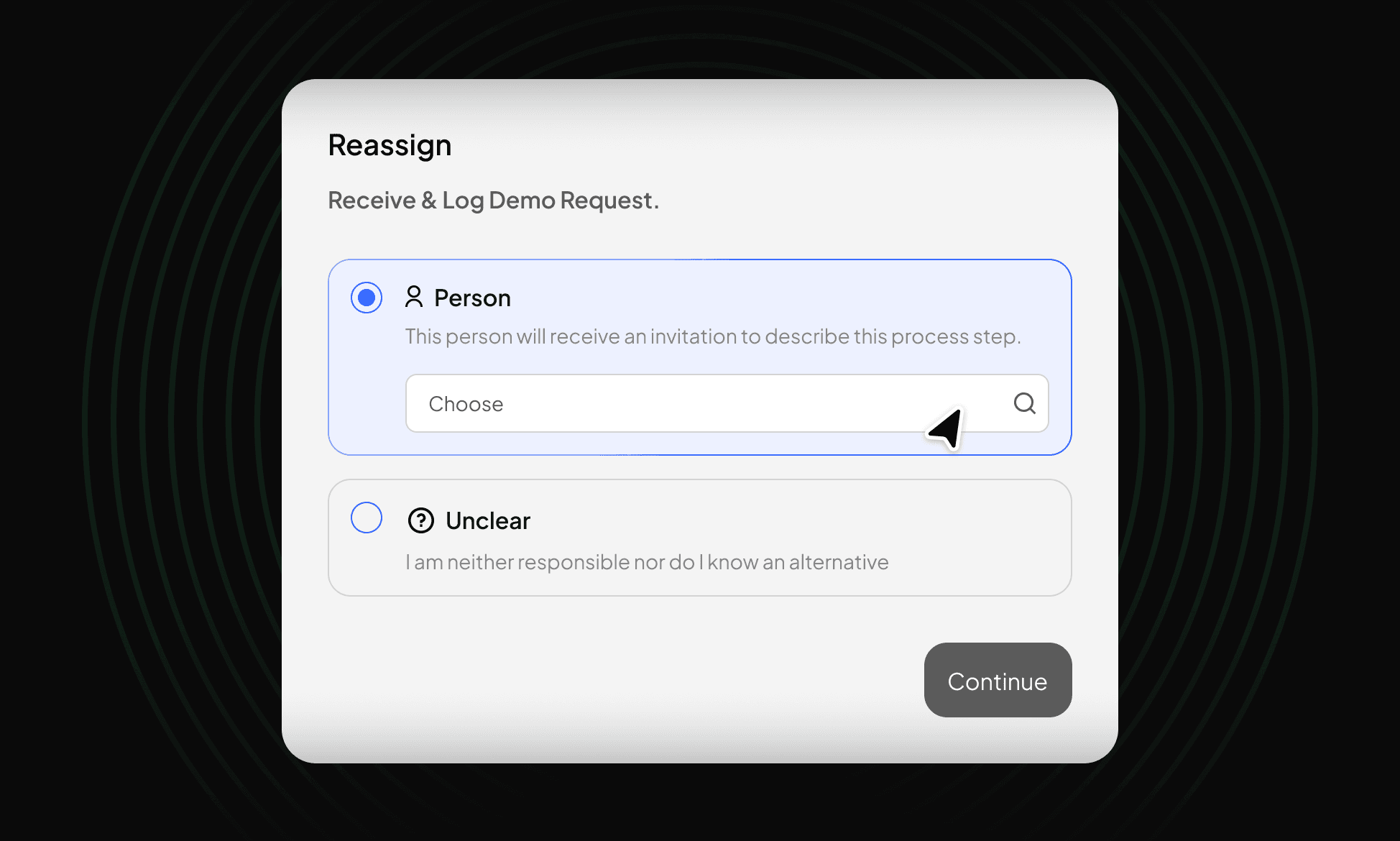
With just a few clicks, you can keep your process documentation moving: send reminders, adjust assignments, and check progress.
The result
Process documentation that is actively managed is more complete, completed faster, and directly usable.
No step is left open.
Gaps in the documentation become visible before they delay the entire process — and can be closed immediately.
Faster time to value.
Actively managed documentation projects reach the finish line faster because obstacles are identified and addressed early.
Higher data quality.
Complete documentation provides a more precise picture of your processes — the basis for reliable analyses and well-founded decisions.
FAQ
Questions?
We are here to help you.
Your question is not listed?
No problem. Write to us directly & we will get back to you as soon as possible and find an answer together.
Contact Us